

Trakt vs Simkl: Best TV Time Replacement in 2026?
Trakt and Simkl are the top TV Time replacements. Compare imports, auto-tracking, and stability — plus how Moviebase pairs with Trakt on Android.
Overview
When TV Time users go looking for a new home, two names dominate the conversation: Trakt and Simkl. Both track movies and TV shows, both are free to start, and both can pull in a TV Time watch history — which is why they top nearly every migration thread. The real question is which one fits how you actually watch.
TV Time is shutting down. Its service ends after July 15, 2026, after which the app is removed from the App Store and Google Play, tvtime.com goes offline, and all account data is deleted. Export your history from TV Time's export tool before that date, whichever tracker you move to.
Trakt has been running since 2010 and works as a central hub. It syncs with Plex, Kodi, and a large ecosystem of third-party apps and devices, and it keeps your data portable across all of them. Simkl is the newer option and leans into automation and a familiar, TV Time-style feel, with built-in auto-tracking for several streaming services and strong anime support.
This comparison covers three things migration threads keep coming back to: imports, auto-tracking, and day-to-day stability.
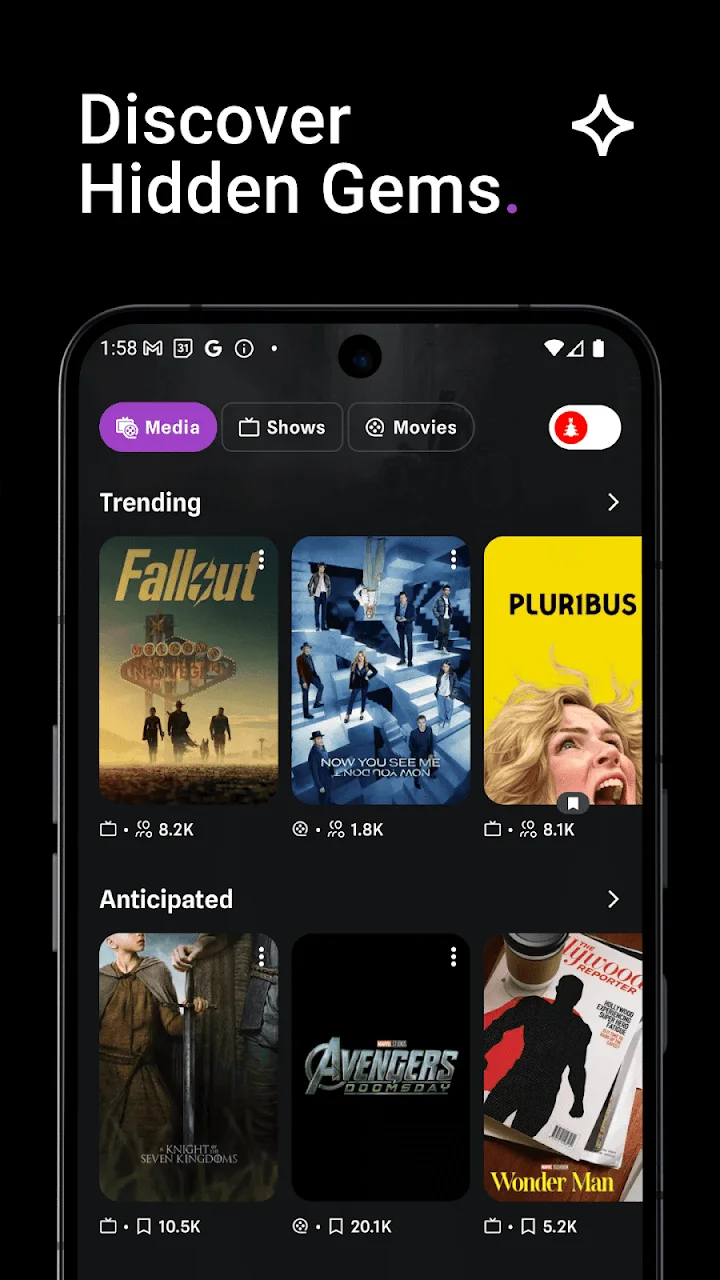
traktPortable hub with Plex/Kodi and a large ecosystem
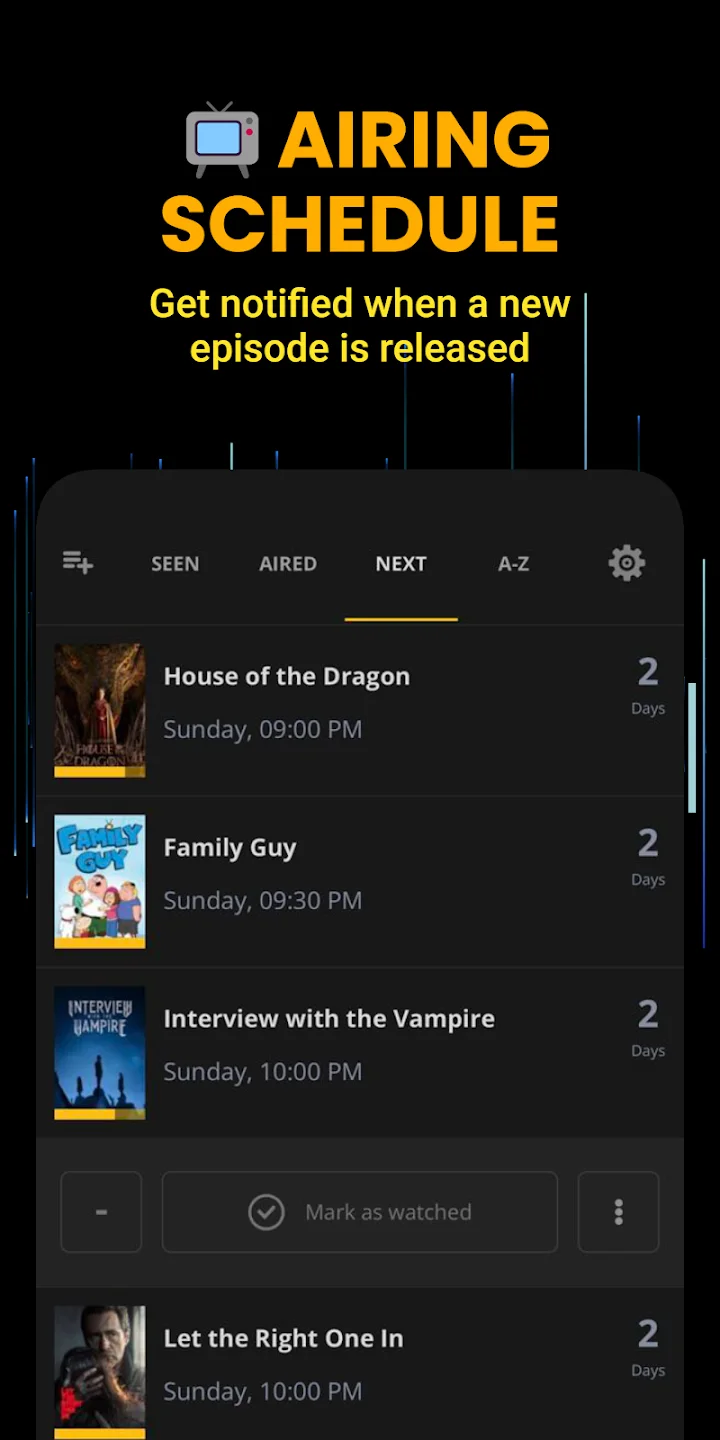
SIMKLFamiliar TV Time-style tracker with auto-scrobbling
Feature Comparison
| Feature | Trakt | Simkl |
|---|---|---|
| Movie tracking | ||
| TV episode tracking | ||
| Built-in TV Time importer | ||
| Auto-scrobbling | Plex, Kodi | Netflix, Hulu, Crunchyroll |
| Dedicated anime tracking | ||
| Plex / Kodi sync | ||
| Third-party app ecosystem | Large | Growing |
| Paid tier | VIP (optional) | Pro (optional) |
| Web + mobile access | ||
| Free to use |
Key Differences
Imports and Migration
Both apps read TV Time data, which is the whole reason they show up in migration threads. Simkl accepts the TV Time export directly: you take the ZIP file from TV Time's export tool and upload it, and Simkl maps your shows and episodes. Trakt uses a built-in TV Time importer that connects and pulls your history across, and most people report around 95% accuracy or better, with older or obscure titles occasionally needing a manual fix.
Either way, export from TV Time first. The GDPR self-service tool is the reliable route this close to the deadline, since email requests can take up to 30 days. If Trakt's importer misses an account, you can fall back to that export file and bring your history in from it. For a wider view of the options, see the TV Time alternatives rundown.
Both preserve episode-level progress, not just which shows you watched — your place in each series comes across too. That matters, because losing years of tracked history is the worry cited most often in migration threads. Whichever tracker you pick, do the export while TV Time is still online: after the shutdown there is no second chance to pull that data.
Auto-Tracking and Ecosystem
Simkl's pitch is automation. Its browser extension can auto-scrobble what you watch on services like Netflix, Hulu, and Crunchyroll, so episodes get marked without you tapping anything. It also has dedicated anime tracking, which matters if a chunk of your list is seasonal anime rather than Western TV.
Trakt's strength is the ecosystem around it. It scrobbles from Plex and Kodi and plugs into a large collection of third-party apps and devices, so your history follows you wherever you watch. Trakt's optional VIP tier adds extras like advanced statistics, but the core tracking and sync are free. If you run a home media server, Trakt is the more natural center of gravity.
Stability and Maturity
Trakt has been operating since 2010, and that longevity shows in how many services depend on it. Simkl is the newer, TV Time-style option, but the wave of TV Time users signing up at once has reportedly strained its servers, with people reporting slowdowns during the migration surge. If you value a service that has already handled years of load, Trakt has the track record. If you can tolerate the occasional hiccup for a more familiar interface, Simkl is still very usable.
- Built-in TV Time importer with roughly 95% typical accuracy
- Portable data across Plex, Kodi, and a large third-party ecosystem
- Running since 2010 with a proven track record
- Free core tracking with an optional VIP tier
- Interface is more utilitarian than TV Time
- Auto-scrobbling leans on Plex and Kodi rather than streaming sites
- No built-in community comments
- Direct ZIP import of the TV Time export
- Auto-scrobbles Netflix, Hulu, and Crunchyroll via its extension
- Dedicated anime tracking
- Familiar, TV Time-style interface
- Servers have strained under the TV Time migration surge
- Smaller third-party ecosystem than Trakt
- Fewer home-media integrations
Which Should You Choose?
Choose Trakt if portability is the priority. It syncs with Plex and Kodi, connects to a wide range of apps, and has run reliably since 2010, so your history stays yours no matter what you use next. It is the safer long-term backbone, especially if you have just watched one tracker shut down.
Choose Simkl if you want the closest feel to TV Time and the most hands-off tracking. Direct ZIP import, streaming auto-scrobble, and strong anime support make it the easier day-one switch — just be aware its servers have been under pressure during the migration.
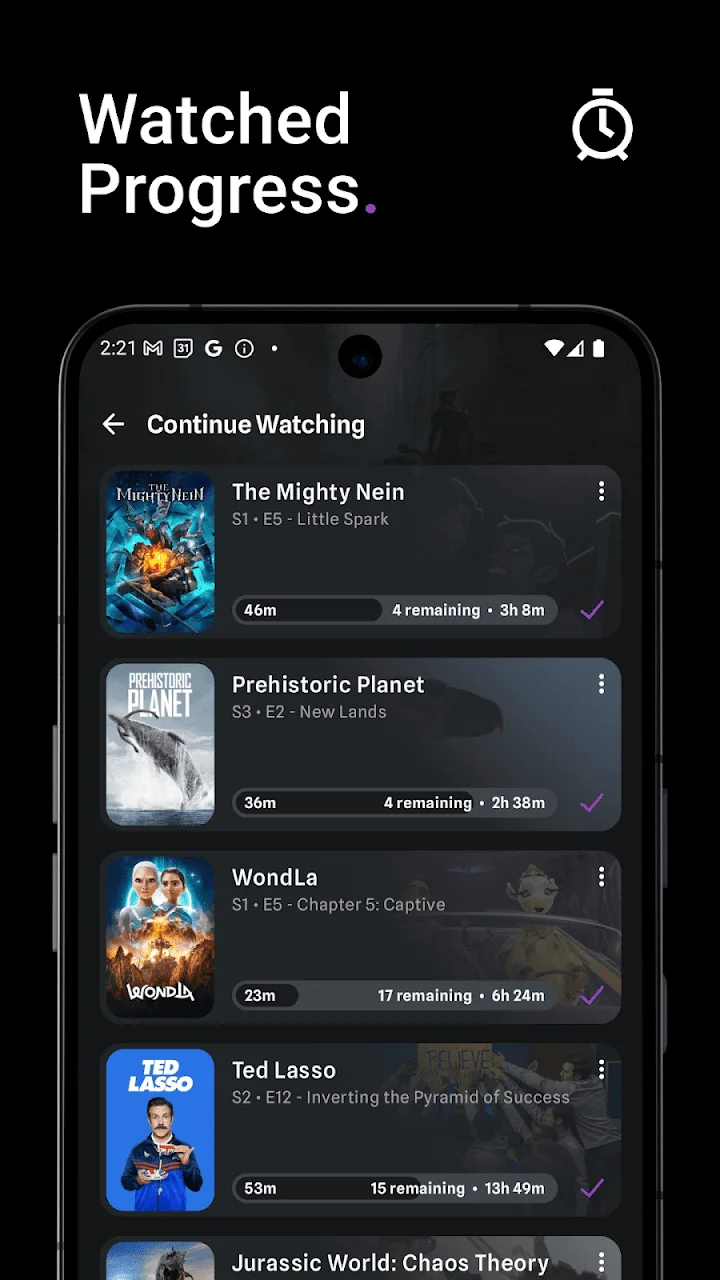
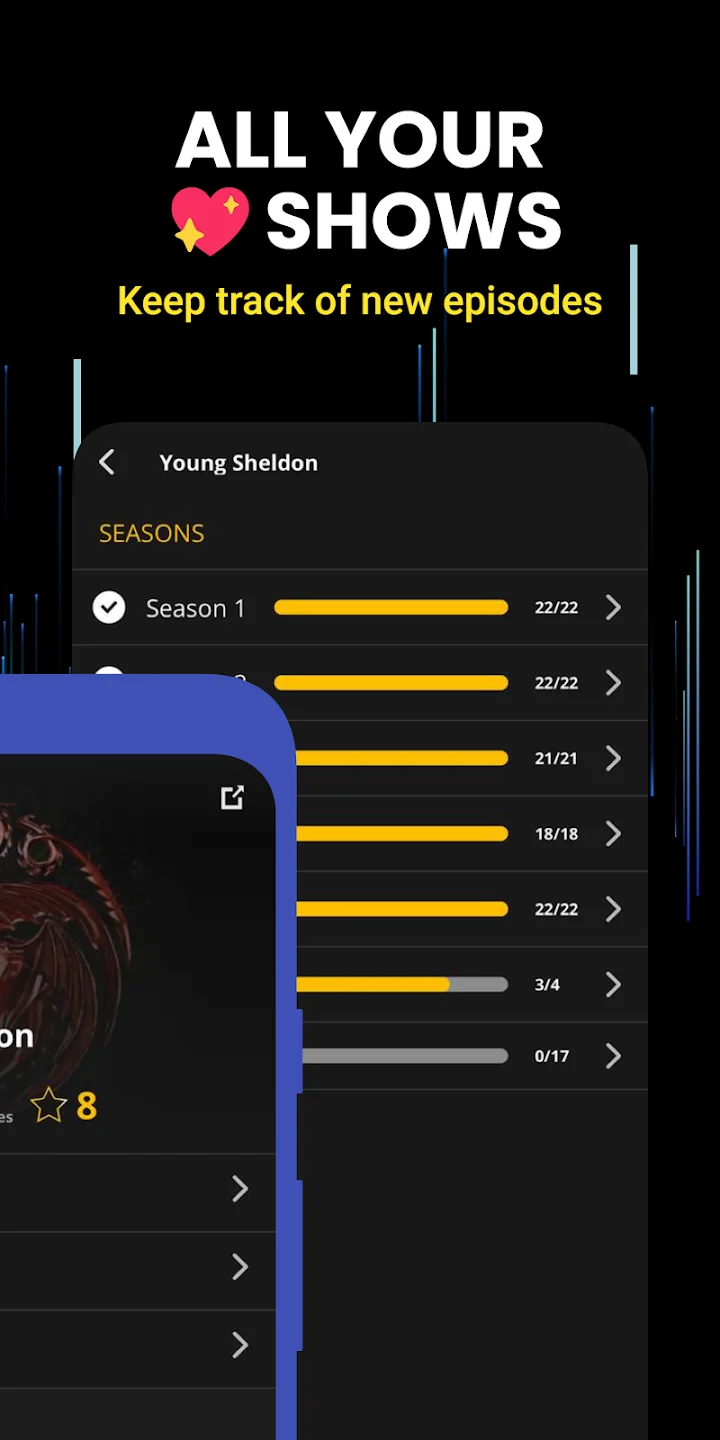
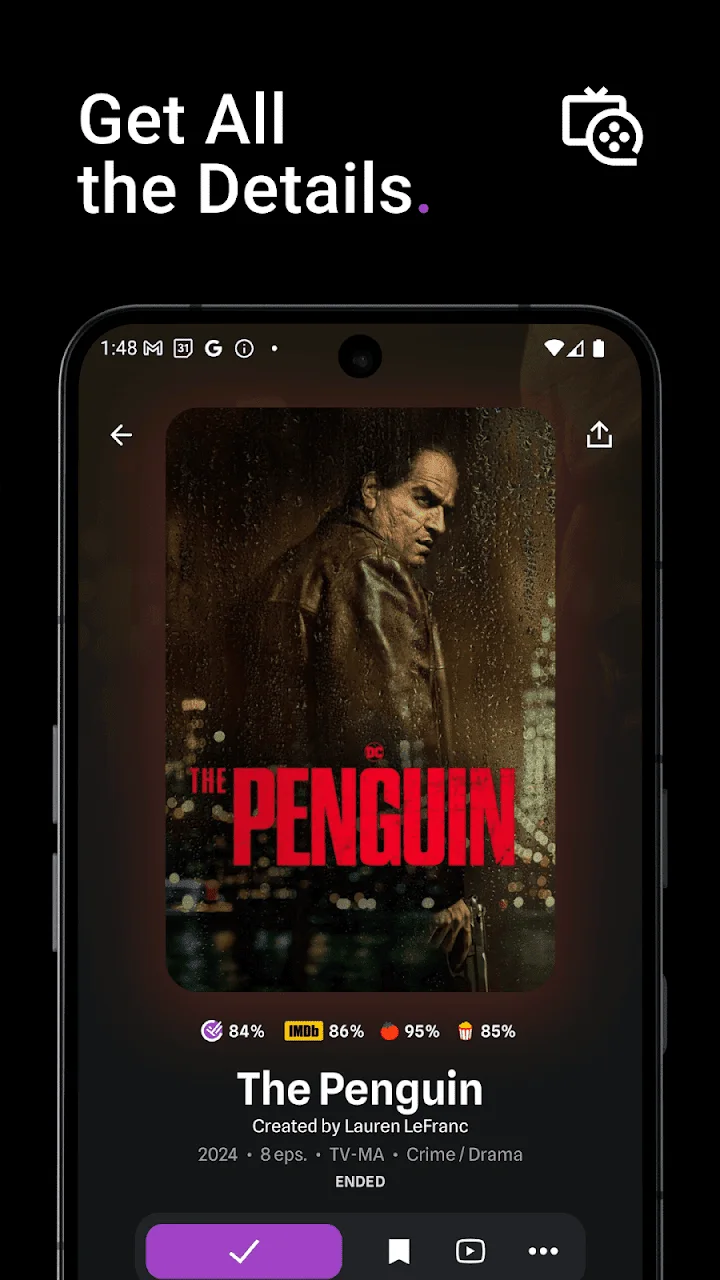
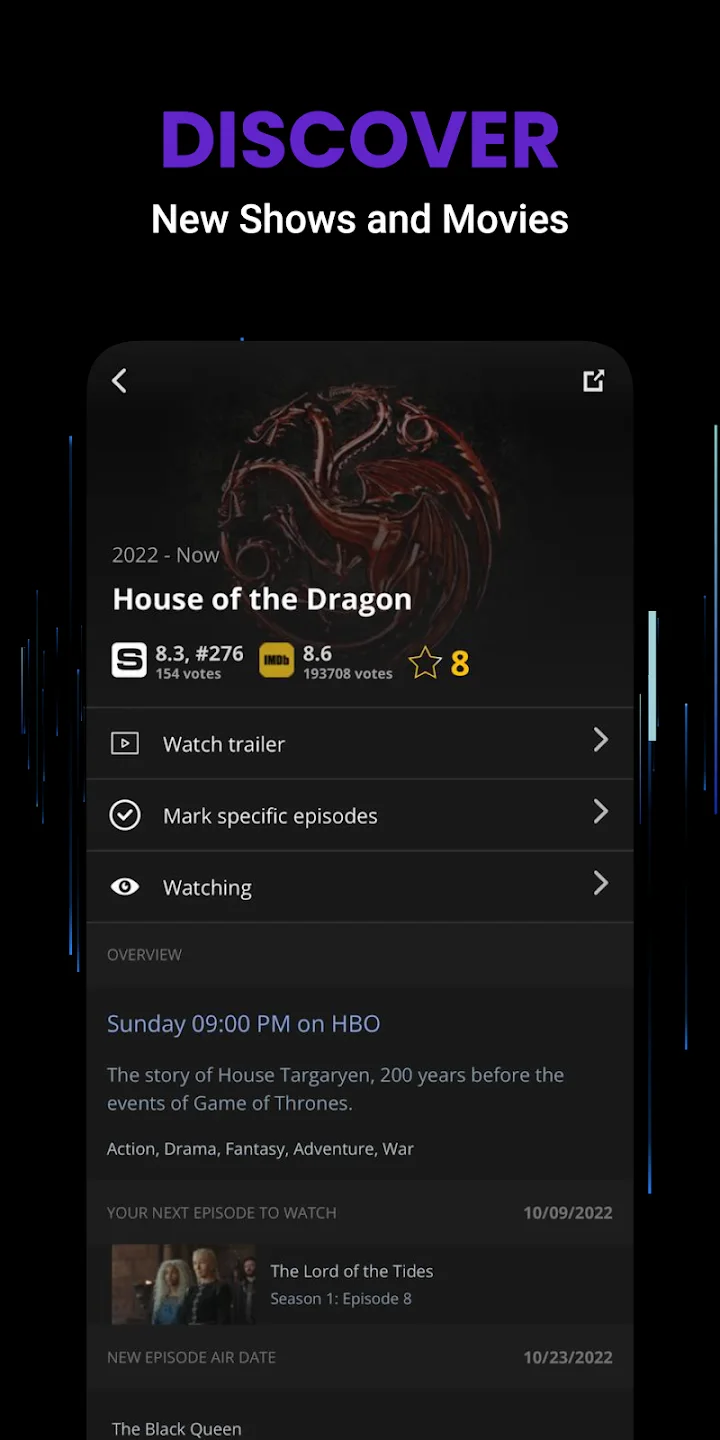
There is also a third option worth knowing if you are on Android. Because Trakt is a hub rather than a polished app on every platform, you can layer a dedicated tracker on top of it. Moviebase syncs bidirectionally with Trakt and gives you an ad-free Android interface with episode progress, custom lists, a release calendar, and free viewing statistics, while Trakt keeps your data portable underneath. In practice that means Trakt for portability and Moviebase for the daily experience. See Moviebase vs Trakt and Moviebase vs Simkl for how that pairing compares, or how to sync Trakt to set it up.