
 Moviebasevs.
 Showly
Moviebase vs Showly: Two ways to organize your next watch.
Compare progress screens, collections and streaming information in two Trakt-connected trackers.
The short answer
Choose Moviebase if…
- you like Moviebase’s separate movie watchlist and show-progress screens
- you want selected file imports in addition to a Trakt connection
The trade-off: Viewing statistics and ad removal require Moviebase Premium. App-specific records from another service may not transfer.
Choose Showly if…
- you prefer Showly’s progress filters and collection layout
- you want its open-source Android app and Trakt-centered workflow
The trade-off: Showly Premium and Trakt service entitlements are separate things to check; Android and Apple features can differ.
What matters for your library
Both Moviebase and Showly track movies and TV shows, offer discovery and connect to Trakt. The difference is the everyday arrangement of progress, collections and title details. Showly’s current store publisher is Trakt; it remains a distinct app experience.
Moviebase vs Showly in everyday use
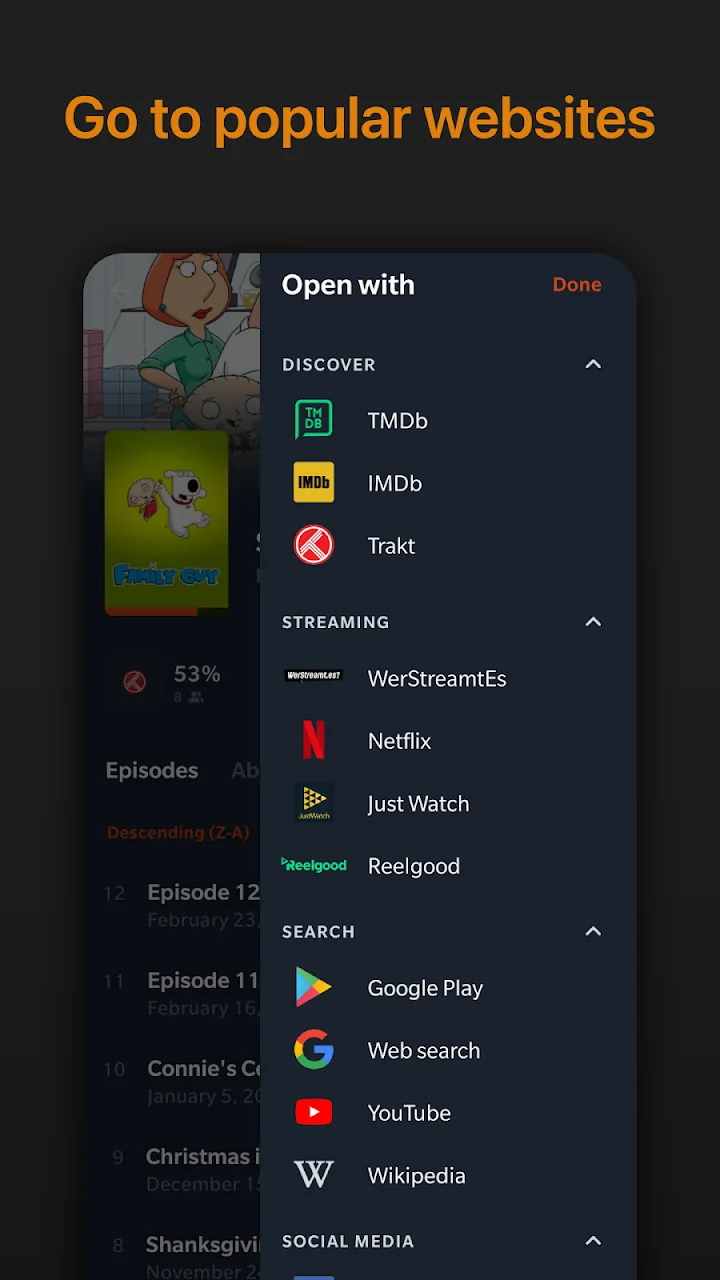
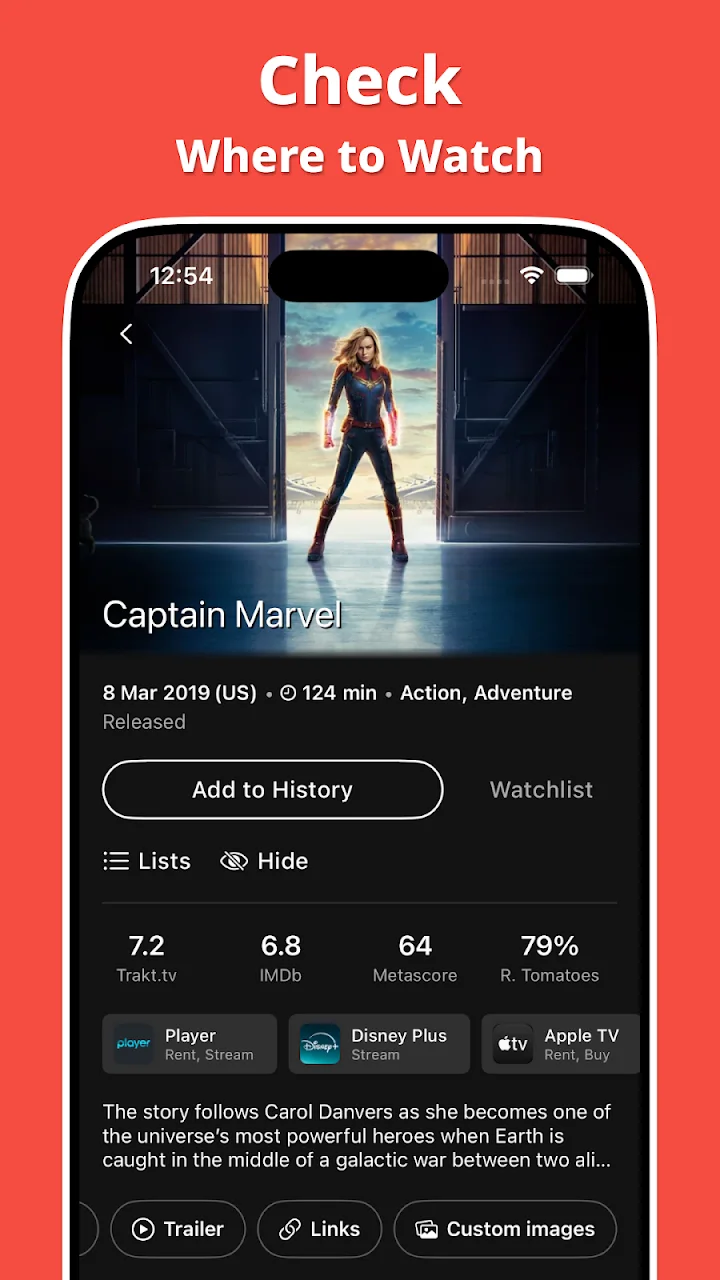
Compare the publisher’s screens below. Tap an image to see the details; the captions distinguish the task each screen illustrates.
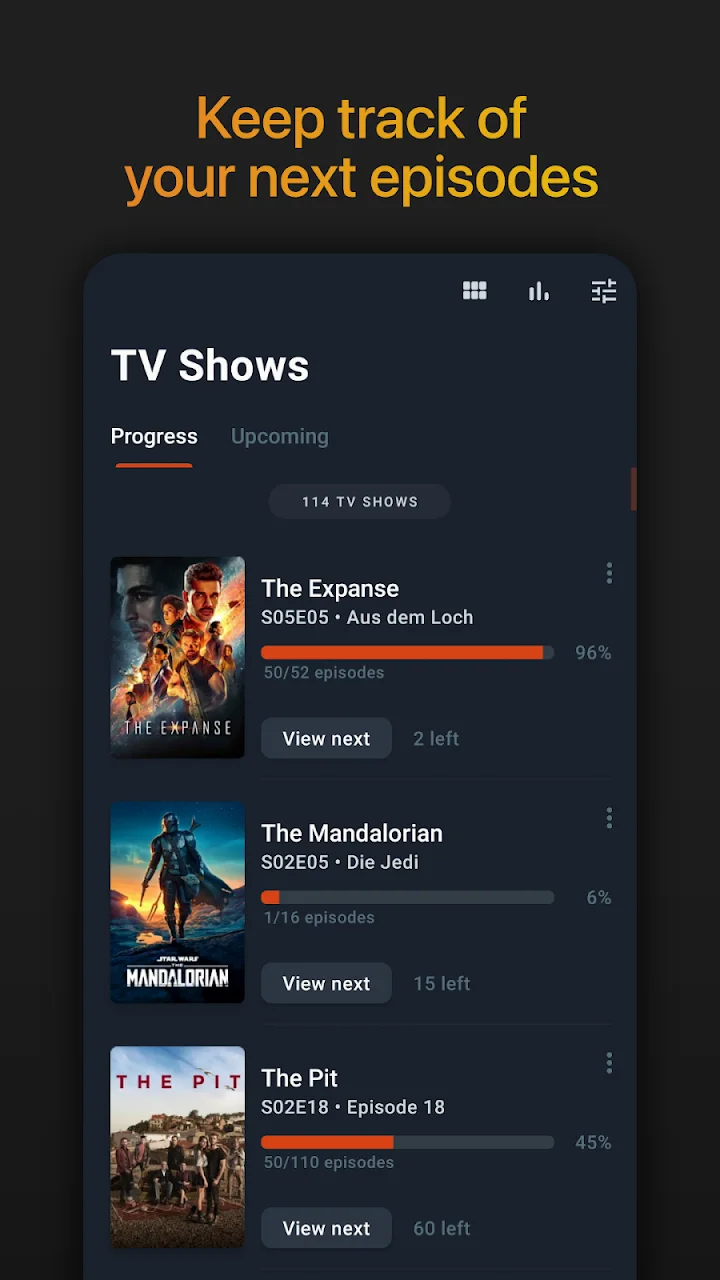
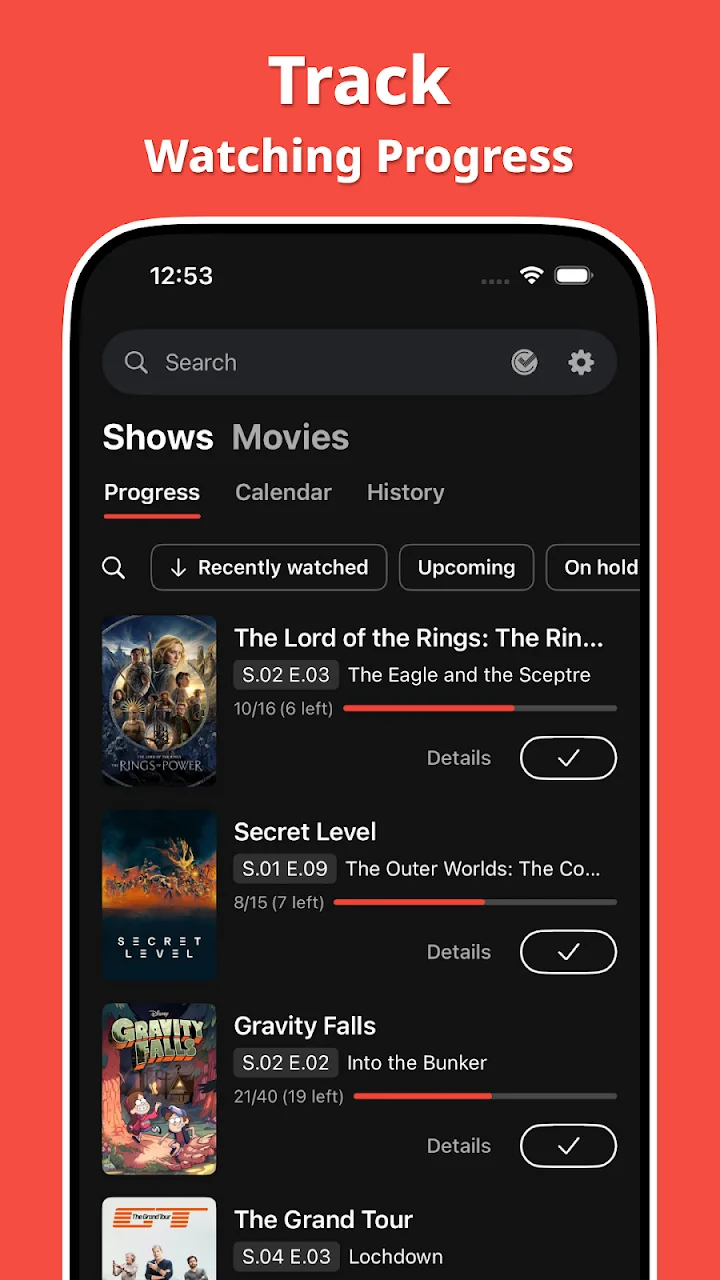
Finding your next episode
Moviebase: A show list with progress keeps the next episode visible.
Showly: Progress filters separate recently watched, upcoming and on-hold titles.
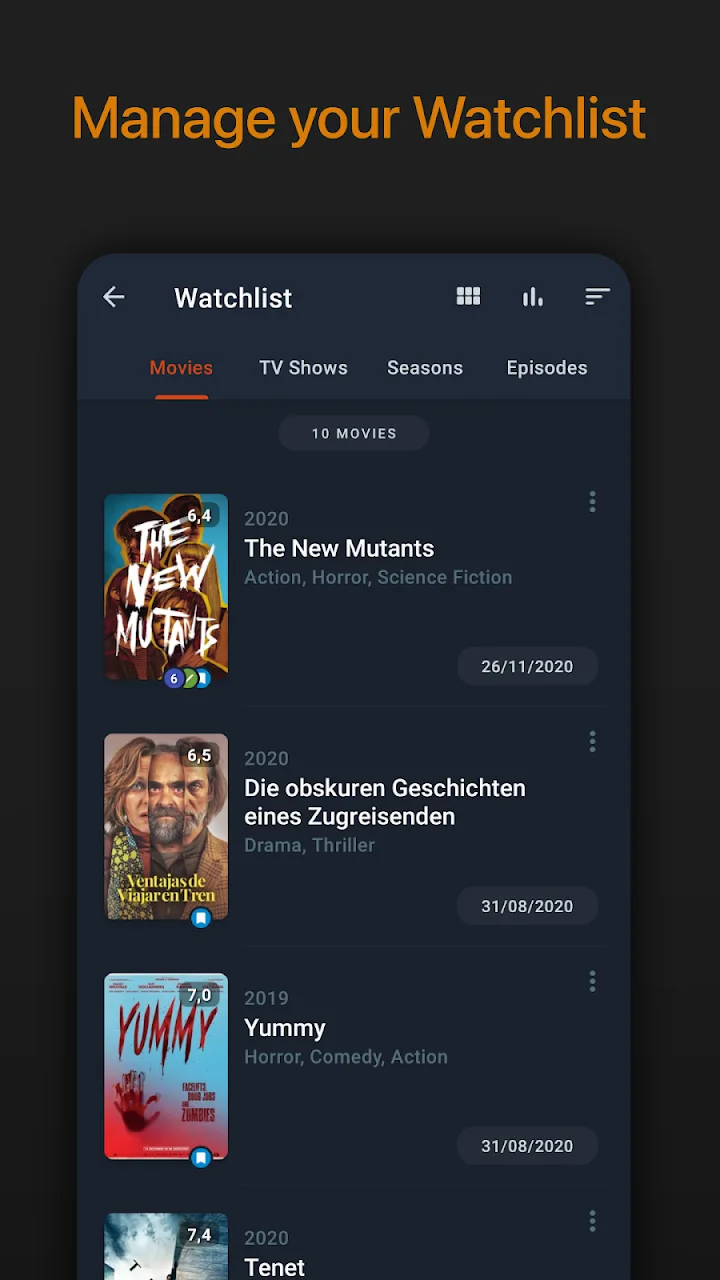
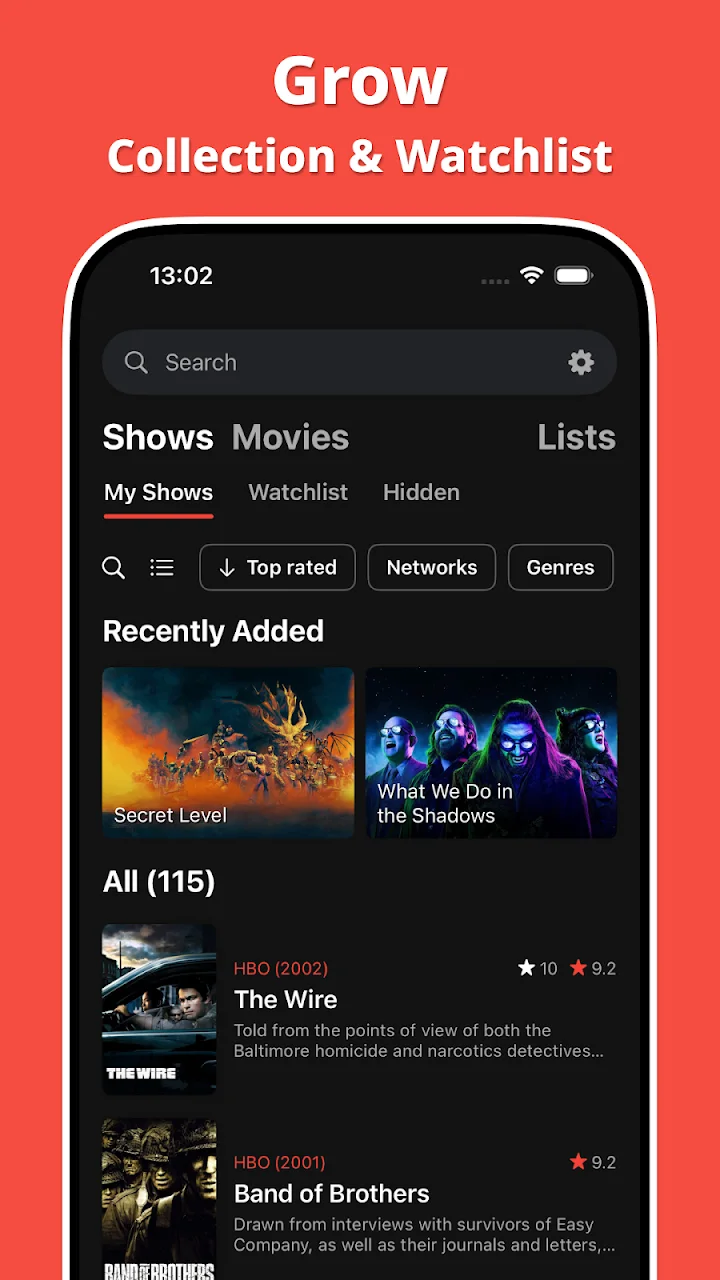
Building a watchlist
Moviebase: A dedicated movie watchlist lets you keep planned films together.
Showly: Collection tabs organize shows, movies, watchlist, hidden titles and lists.
Feature comparison
| Feature | Moviebase | Showly |
|---|---|---|
| Movies & TV | Included | Included |
| Android & iPhone | Included | Included |
| Trakt sync | Included | Included |
| Where to watch | Included | Included |
| Other tracker files | Selected imports | Verify format |
| Custom lists | Included | Included |
| Android source code | Proprietary | Open source |
| Paid extras | Premium | Showly Premium |
| Widgets | Android | Listed |
Availability and paid access can differ by platform and plan. “Not verified” means the evidence does not establish the feature.
By Moviebase · Checked Sep 12, 2026 · Sources
Based on the linked official listings, product documentation and publisher screenshots, not an app or import test. Store artwork may show a different platform or version.
Keeping your history
Bring your history to Moviebase
Keep a copy of your Showly history and check the import options available in Moviebase.
Support depends on the source and file format. More import options are coming.
Questions
Is Showly only for TV shows?
Can I bring my Showly history into Moviebase?
Does Showly show streaming availability?
Is Moviebase free to download?

Try Moviebase free.
Available for iPhone, iPad, Mac and Android.