
Email sign-in is ending. Keep your library with Google or Apple.
Update Moviebase to the latest version (7.3.0), then connect in about 30 seconds.


Where are you right now?
Pick your situation and follow the steps.
Shortcut
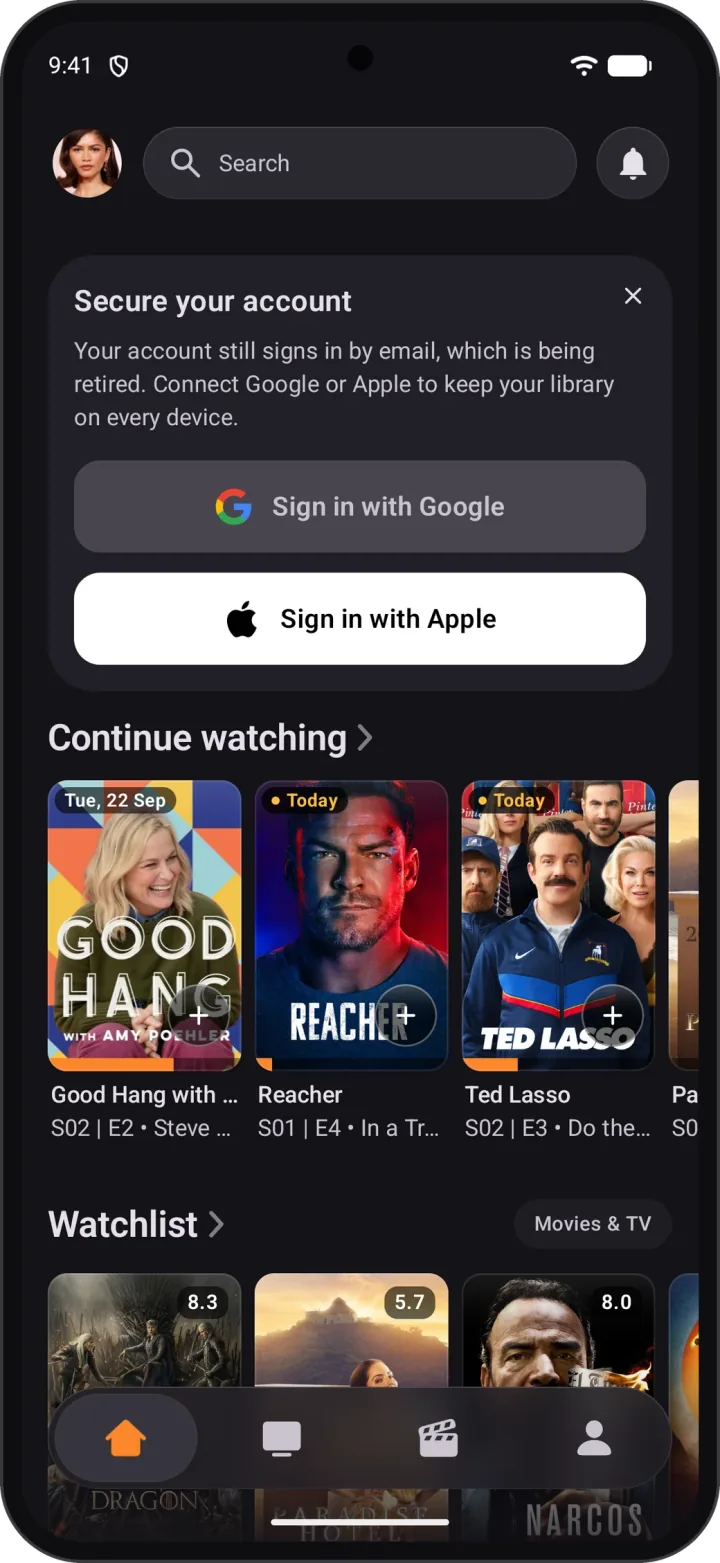
Tap the banner on Home
Open the Home tab. At the top, “Secure your account” has Sign in with Google and Sign in with Apple built in. Tap one and you're done, no Settings needed.
Tap the phone to enlarge
Step 1
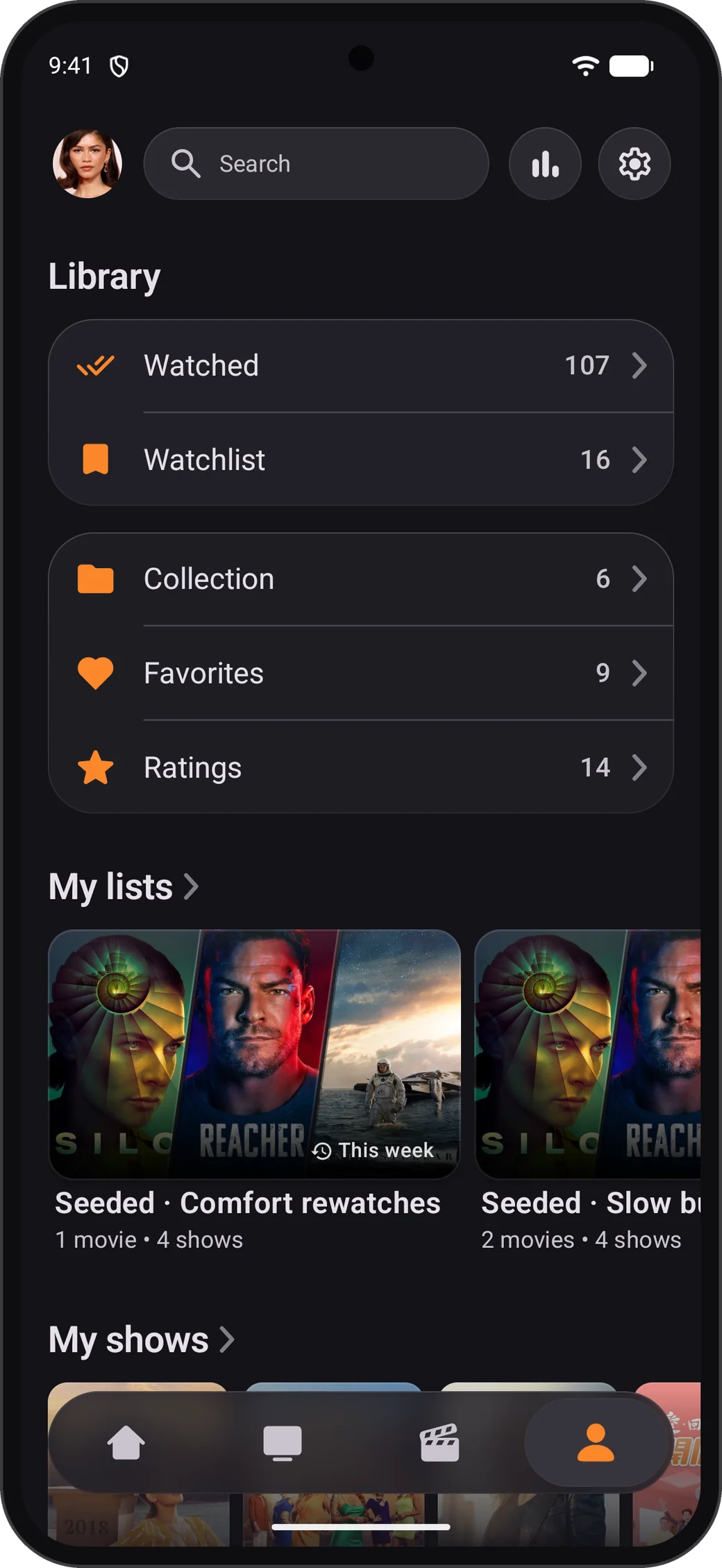
Open Settings
Tap Profile in the bottom bar, then the gear icon at the top right.
Step 2
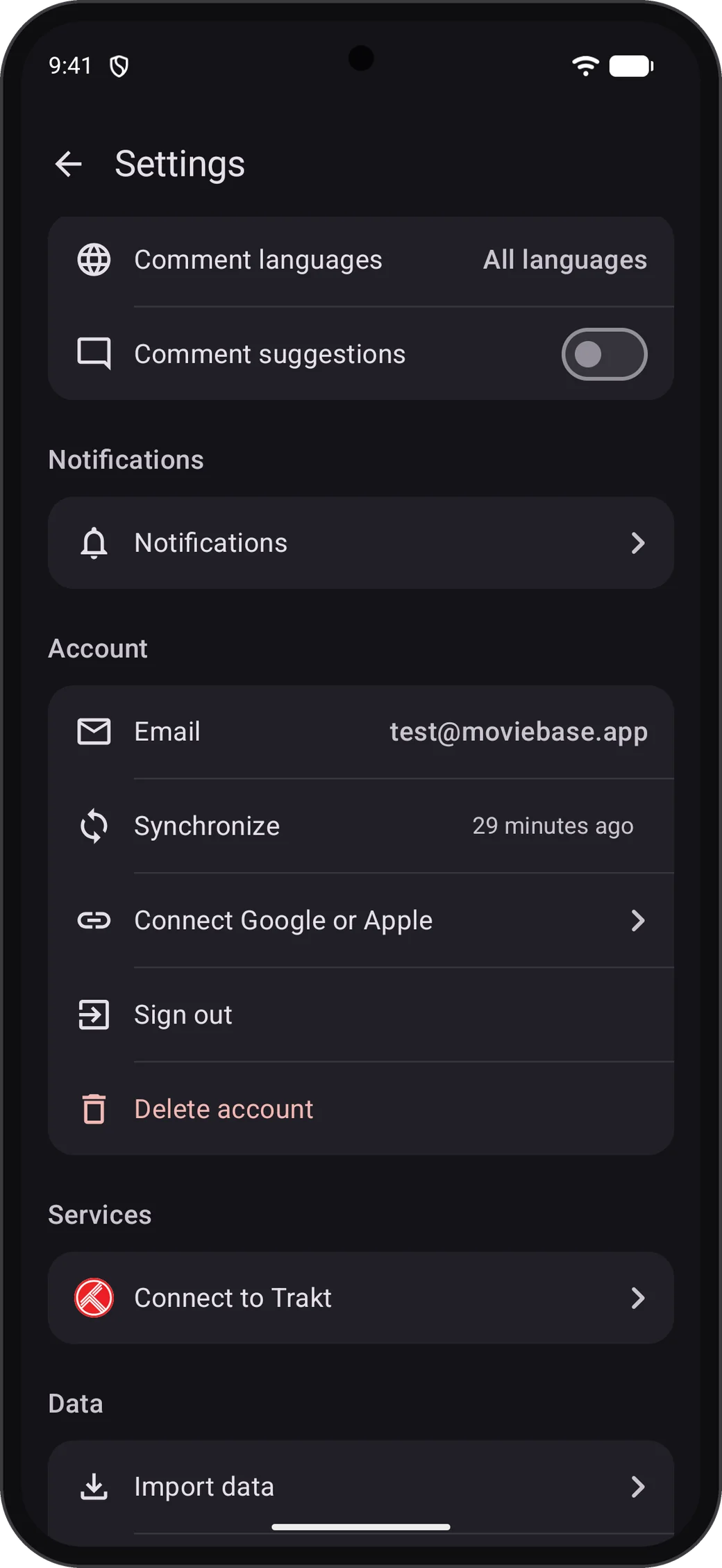
Tap “Connect Google or Apple”
You'll find it in the Account section, below your email address.
Step 3
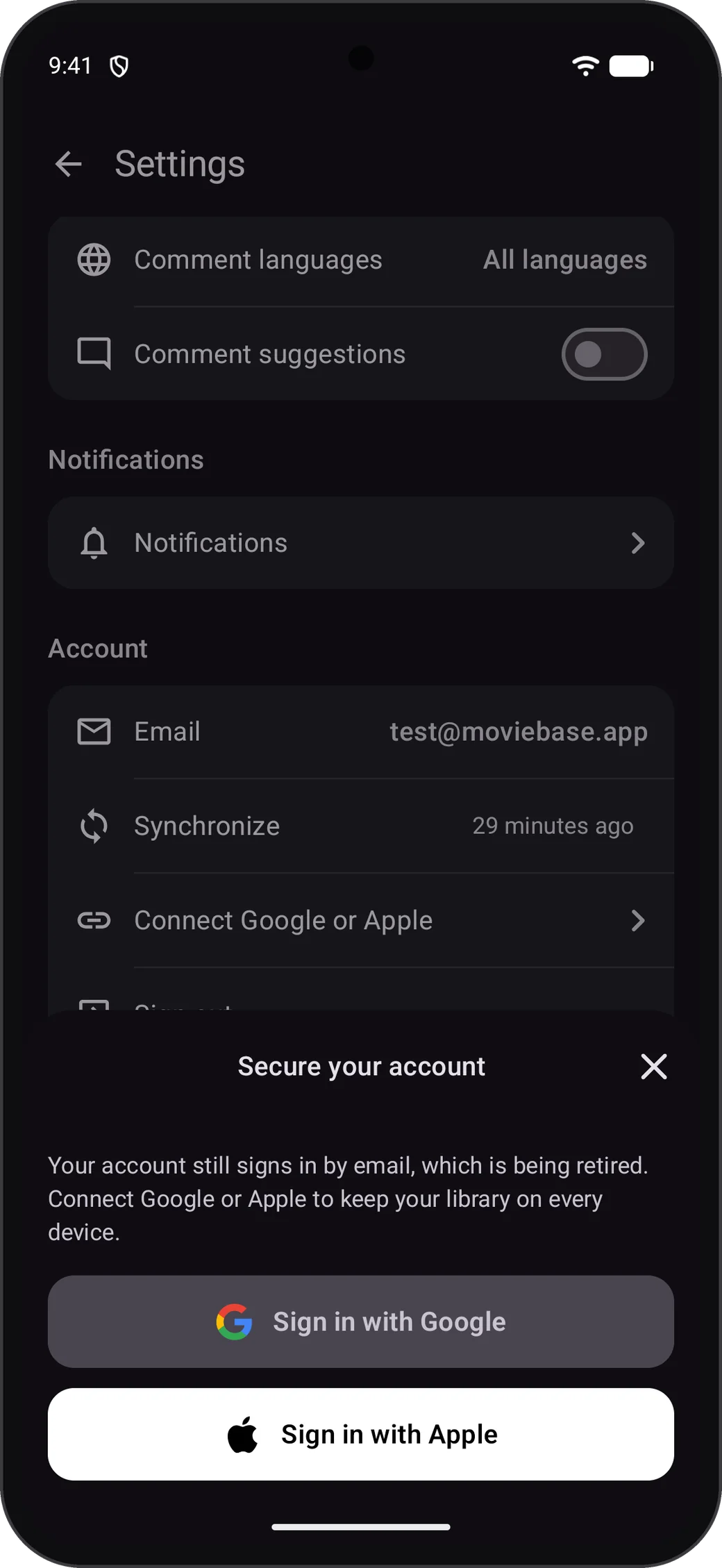
Choose Google or Apple
Pick the account you want to sign in with from now on. Apple works on Android too.
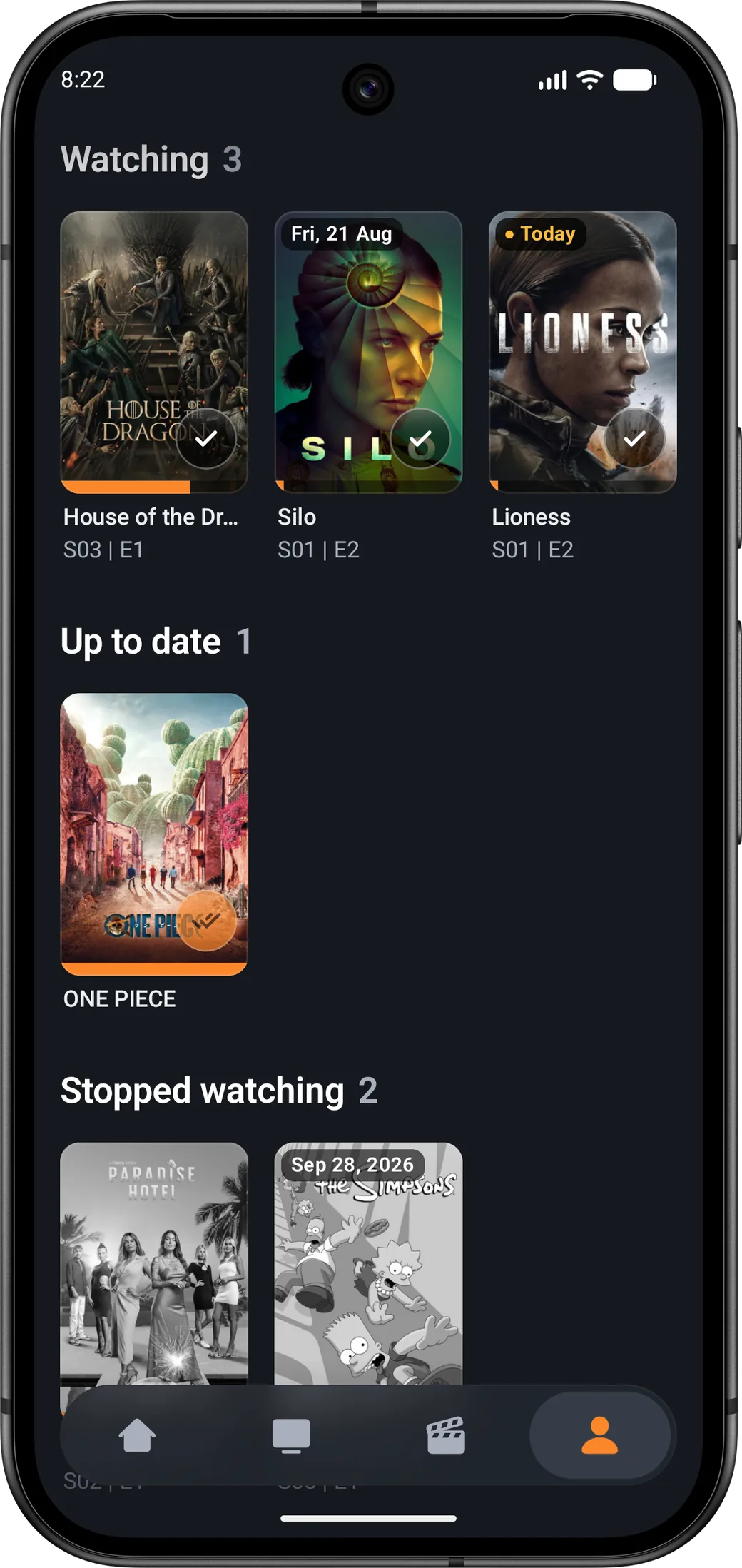
Step 4
You're connected
Moviebase shows “Your account is connected”. From now on, sign in with Google or Apple.
Everything stays with your account
Connecting adds a new way to sign in. It doesn't create a new account.
Watchlist and lists
Every list, in the order you left it.
Watch history and ratings
Watched episodes, movies, ratings and notes.
Premium and profile
Your Premium, profile, follows and comments.
Questions and troubleshooting
Stuck somewhere? Most problems are solved here.
Still stuck?
Email us and tell us which address your account uses. We'll get you back into your account.
help@moviebase.appDon't need your account anymore?
You don't have to connect anything. You can delete your account and all its data in the app under Profile → Settings → Account → Delete account, or request it online.
How to delete your accountGet the latest Moviebase
Update the app, then connect Google or Apple in Settings.